 thinkmesh
Make it in 3D. Take home the real files.
A 3D studio for things that get made: printed, cast, machined or handed to a factory. Start from a preset, a photo or a sentence to Steve. Size it in real millimetres, dress it in real materials and light, then download the files a printer or a factory asks for.
One thinkjoin account opens every room. Already have one? Sign in
Why it's different
One studio, not five apps.
Getting a real object made usually means a CAD app for the shape, a renderer for the look, an image editor for the logo, a slicer for the print and a folder of files you hope the factory can open. In thinkmesh it's one page, one object and the same millimetres from the first click to the last file.
Was: a CAD app
The shape
Presets, basic shapes and real-millimetre sizes, with holes, fillets, chamfers and text.
Was: a renderer
The look
Over 3,700 real materials for every part, and more than 200 lighting setups for every render.
Was: an image editor
The art
Your logo on the front, printed, foiled in gold, silver or copper, embossed or debossed.
Was: a slicer and a mould tool
The making
Casting moulds in two halves, hollow vase mode and a slice report with print time and filament.
Was: a folder of loose files
The hand-off
One pack: printable files, CAD where the shape allows, mould halves, renders and a bill of materials.
Real files, live
Go on, spin one.
These are real files thinkmesh made from its presets, loaded right here: GLB straight from the Export tab, and the two mould halves from a real pack, opened up. Drag to turn, pinch to zoom.
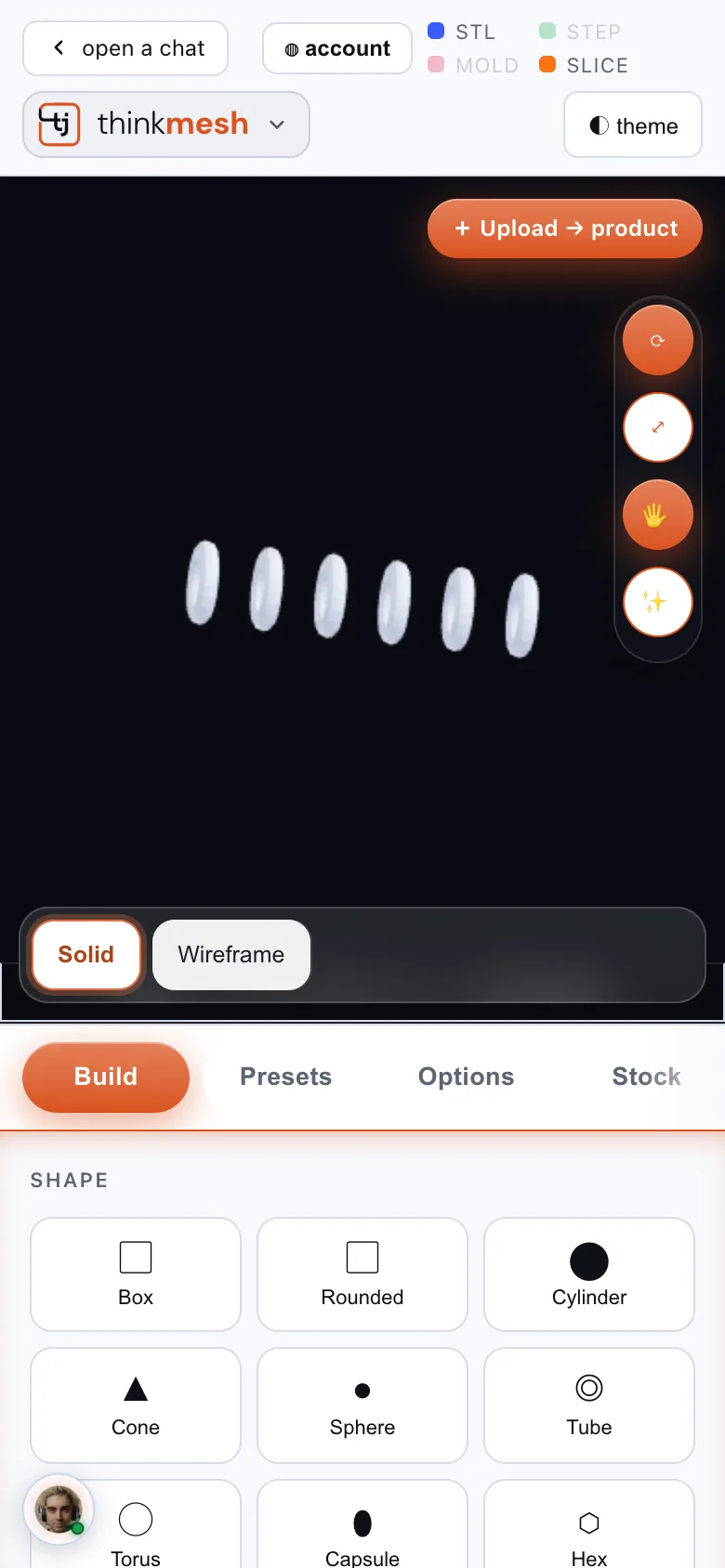
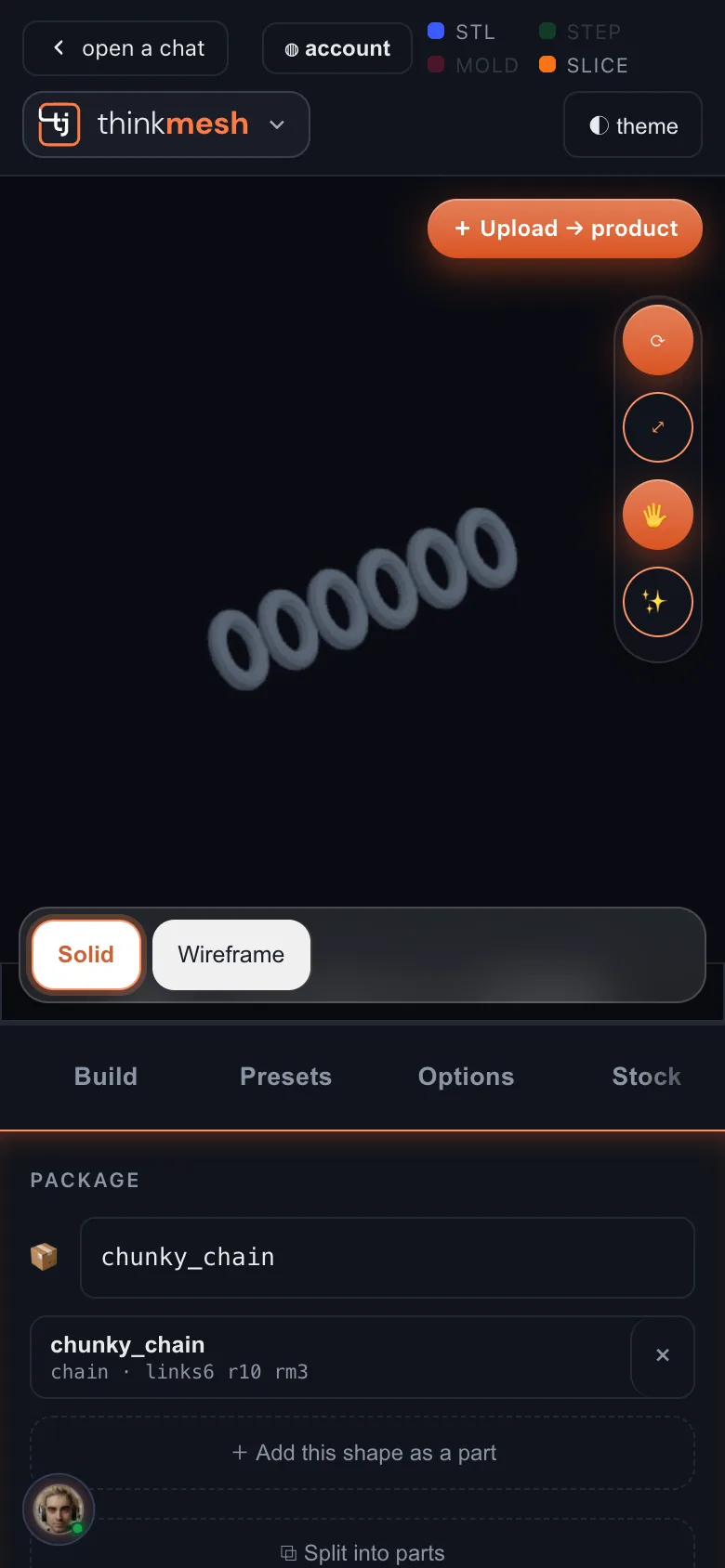
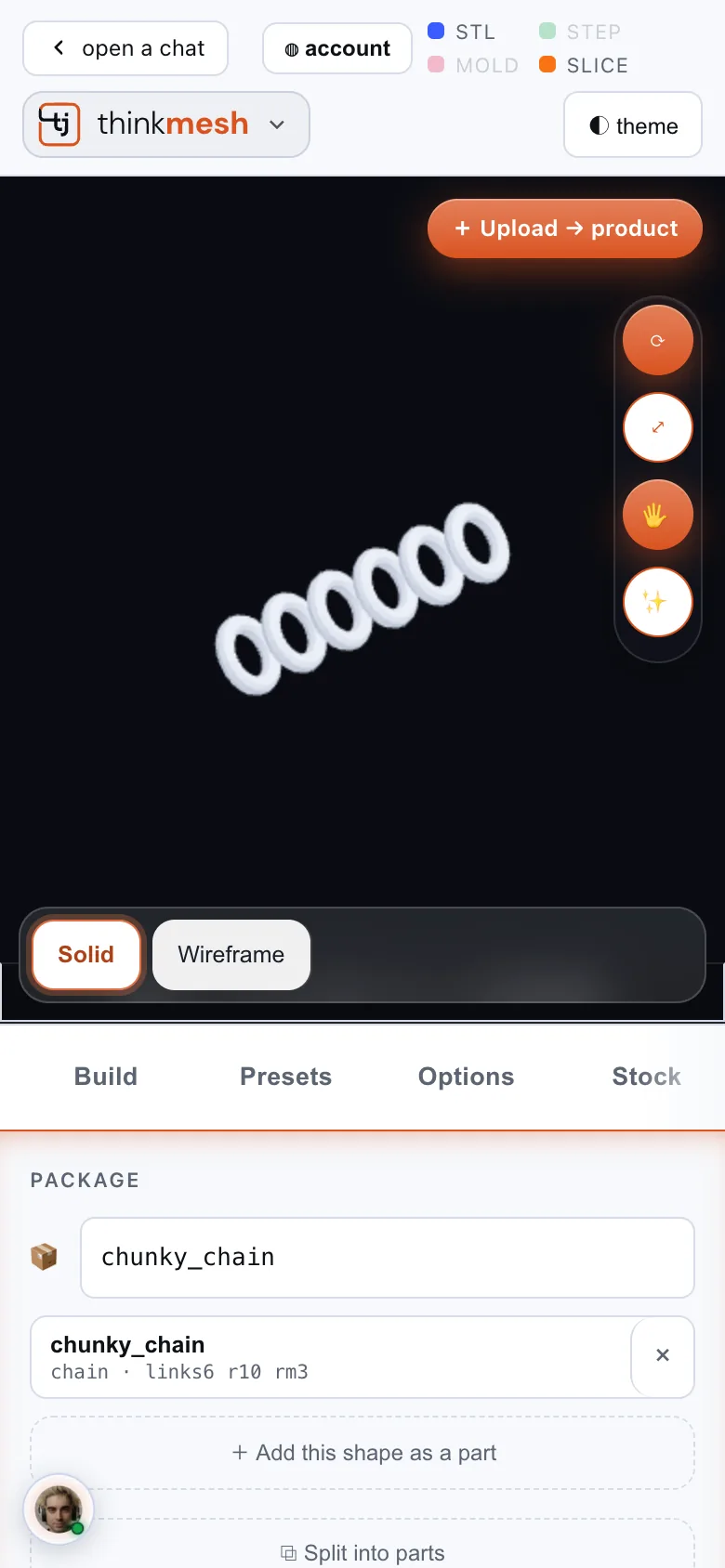
Chunky chain preset, six links. 208 KB GLB, in real millimetres.
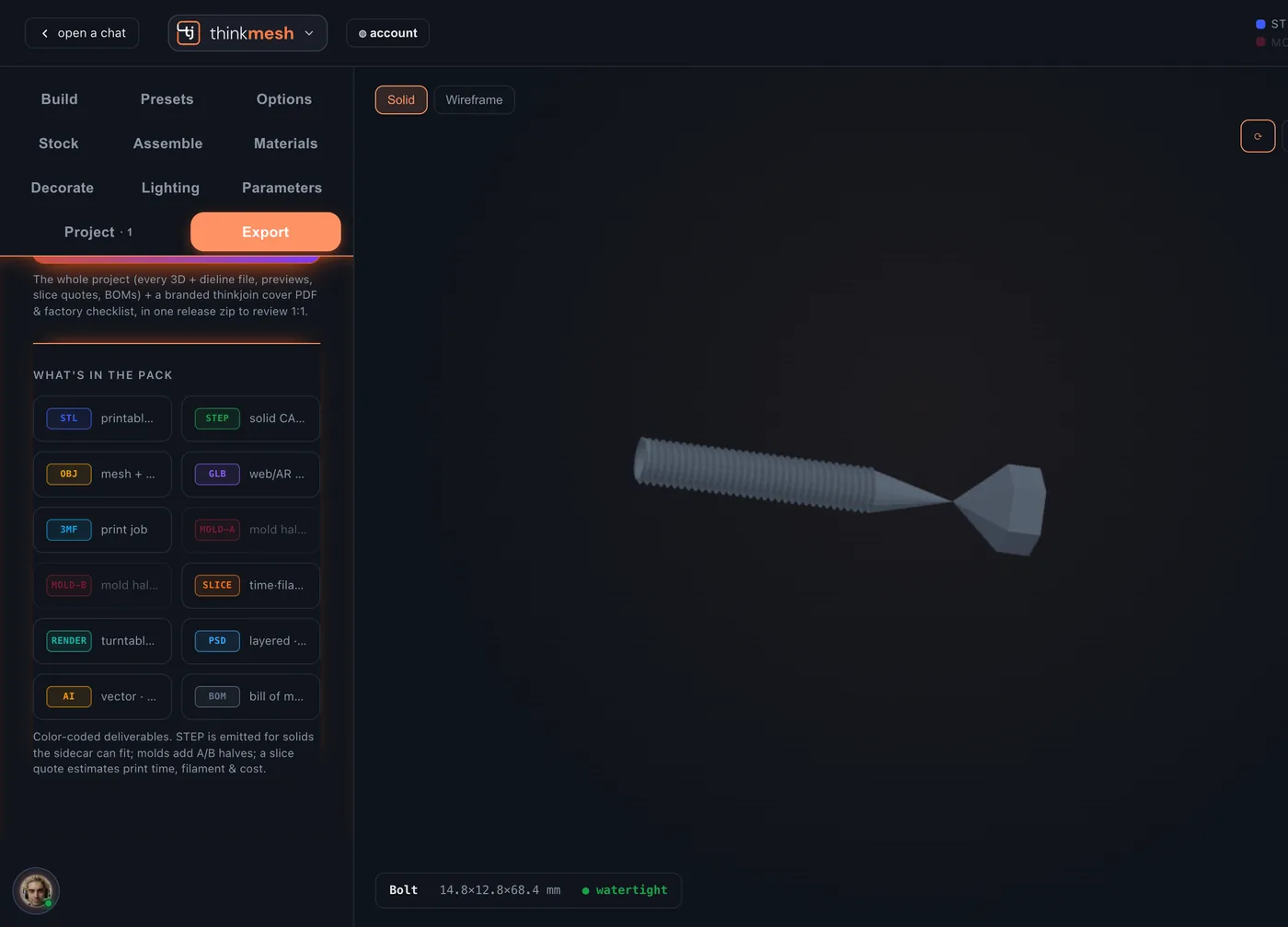
M8 hex bolt, 40 mm, threads and all. The fastener presets come in standard metric sizes.
Toy gear, twelve teeth, 56 mm across.
Soap bar mould: both halves from the pack, turned open so you can see the cavity you pour into.
Start anywhere
Never start from a blank box.
Pick one of 231 starting points, answer two questions, upload a photo of the real thing, or just tell Steve what you're making.
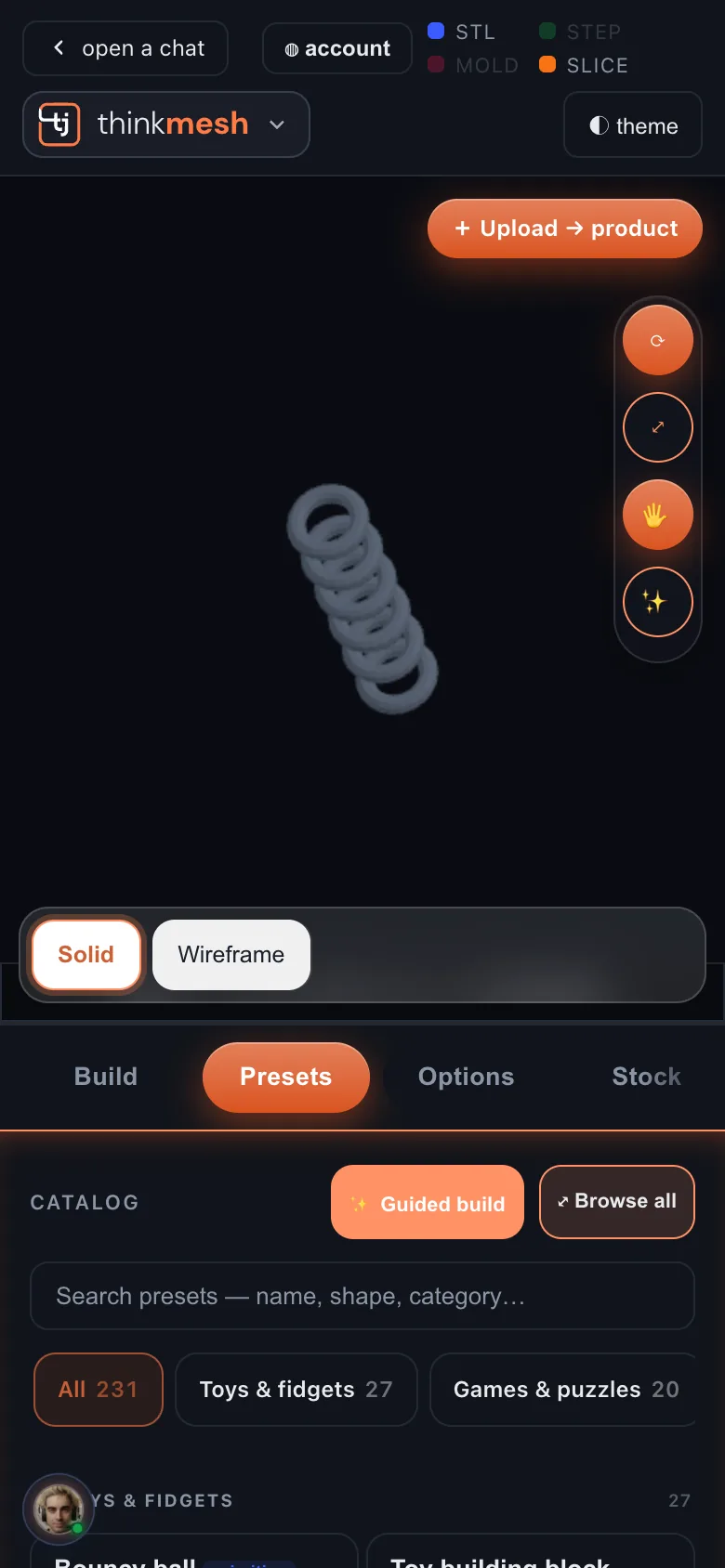
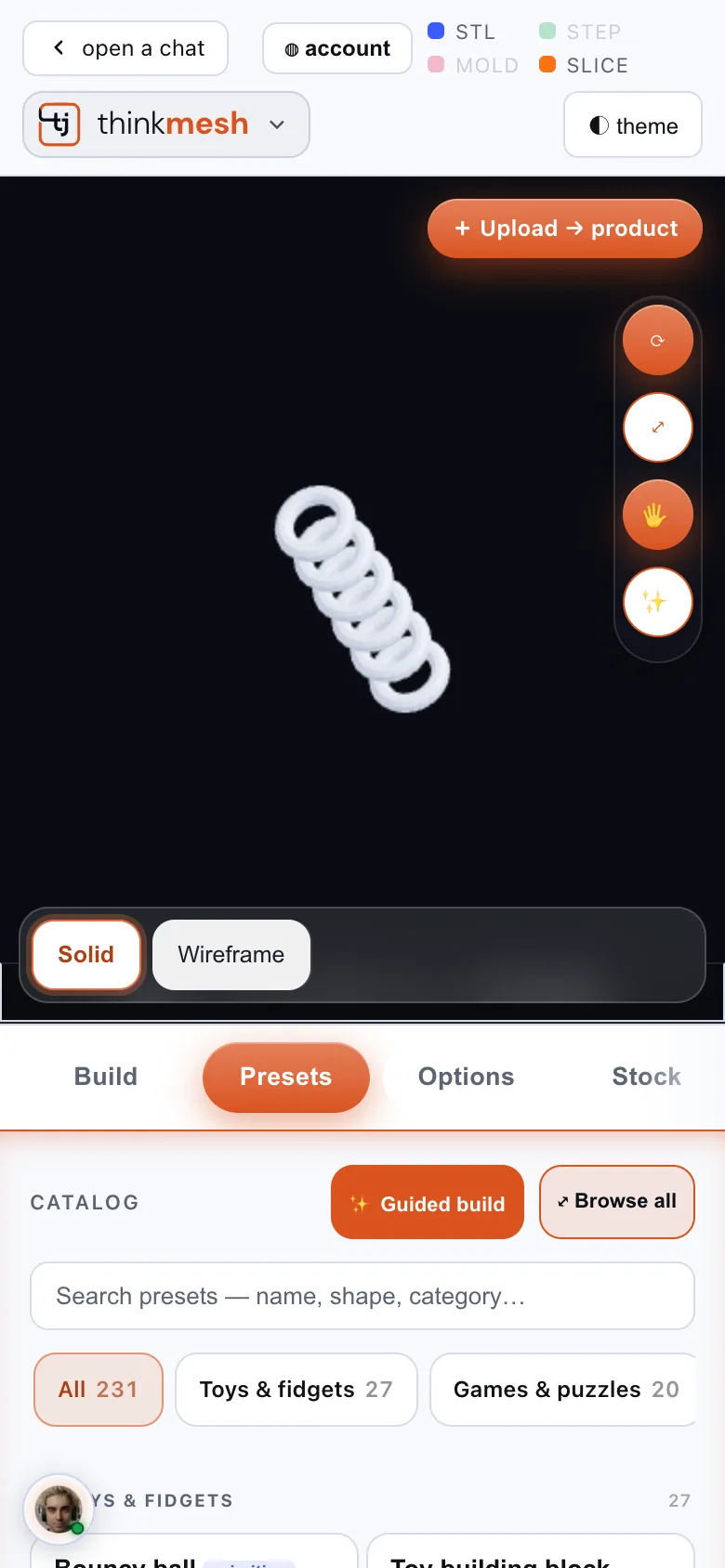
Toys and fidgets, games, jewellery, home, kitchen, office, garden, wearables, tools, hardware, chains, product blanks and casting moulds. Search by name, shape or group.
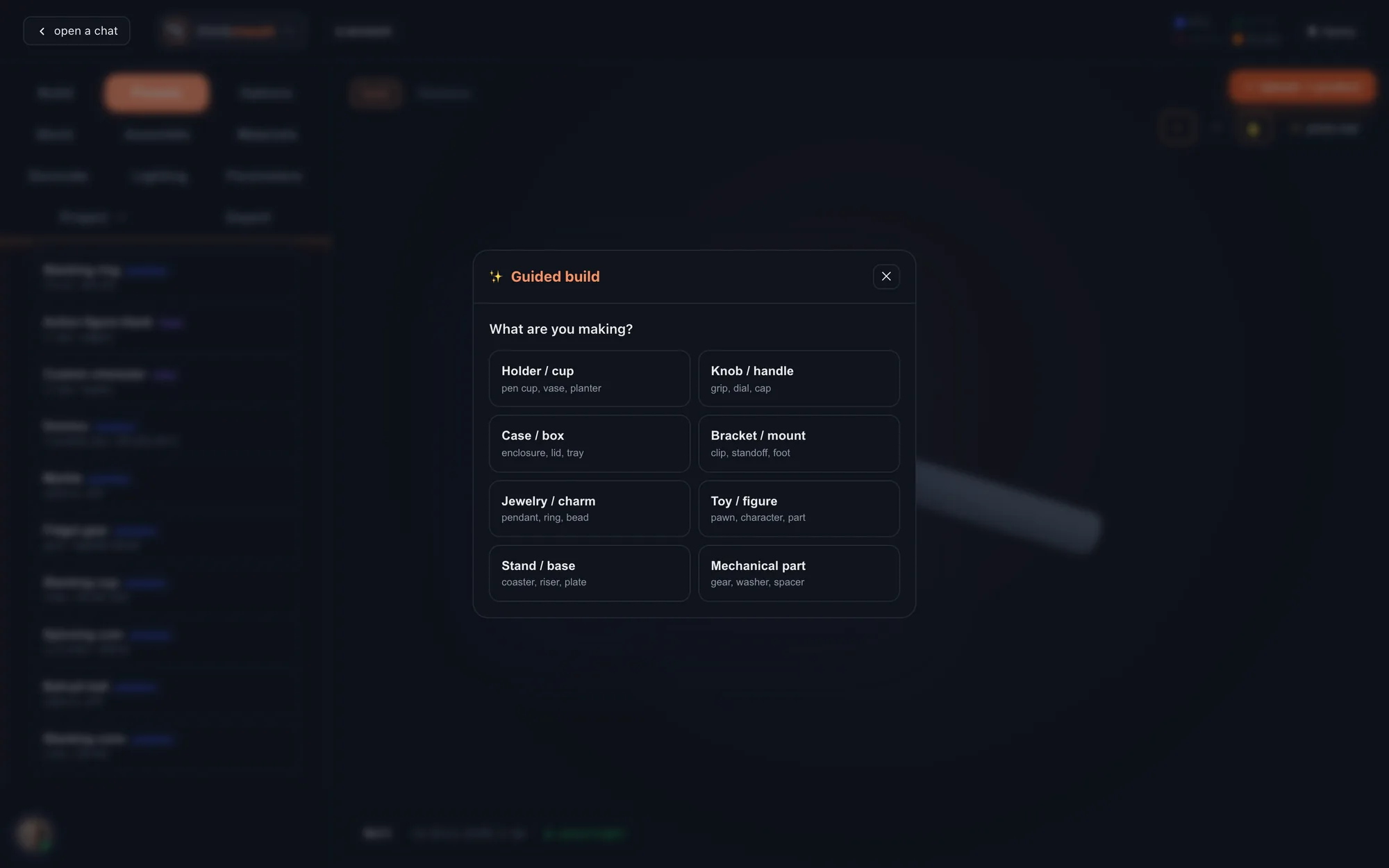
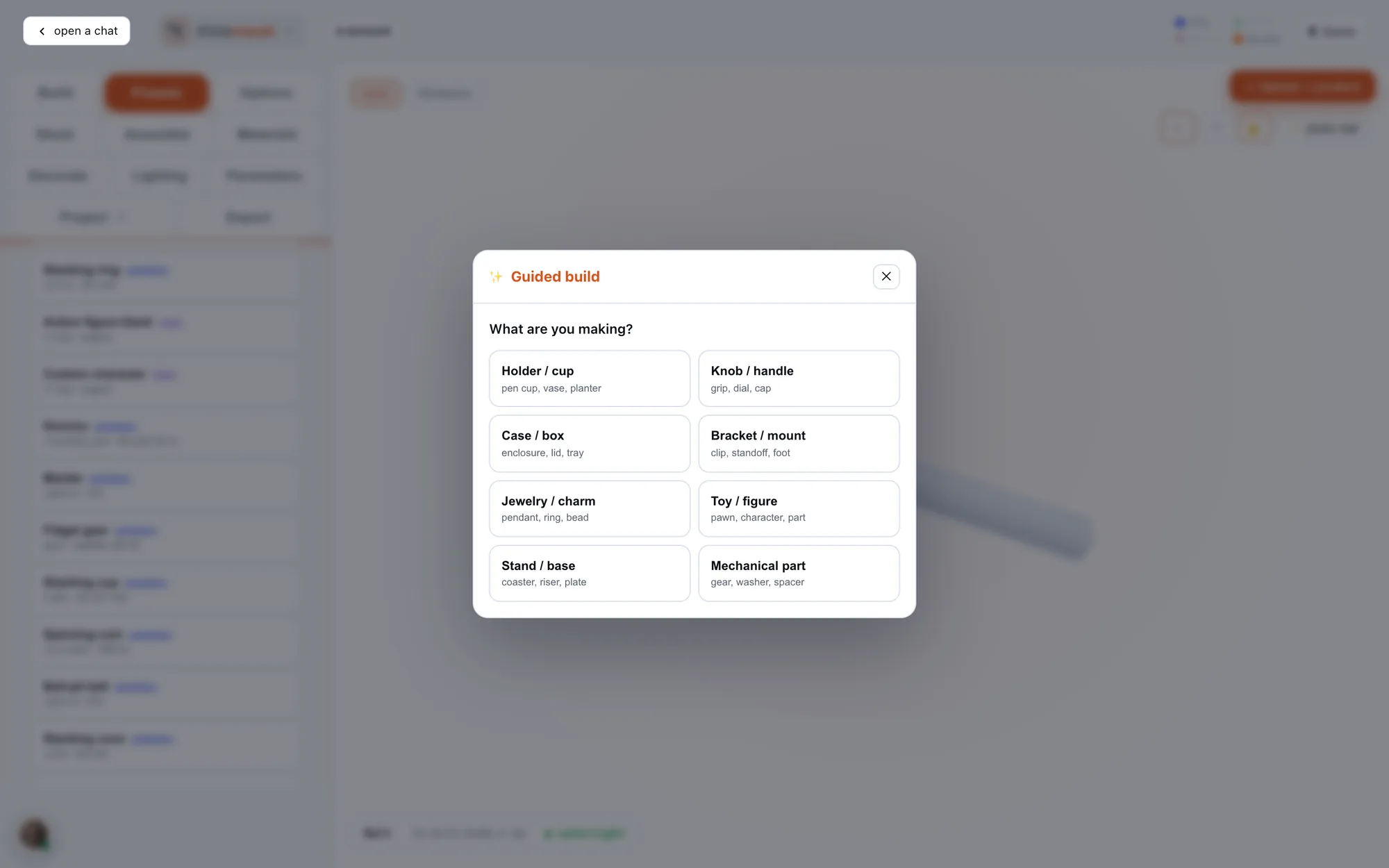
What are you making, and how will it be made: 3D print, cast, machined, or laser and craft. thinkmesh starts you from there.
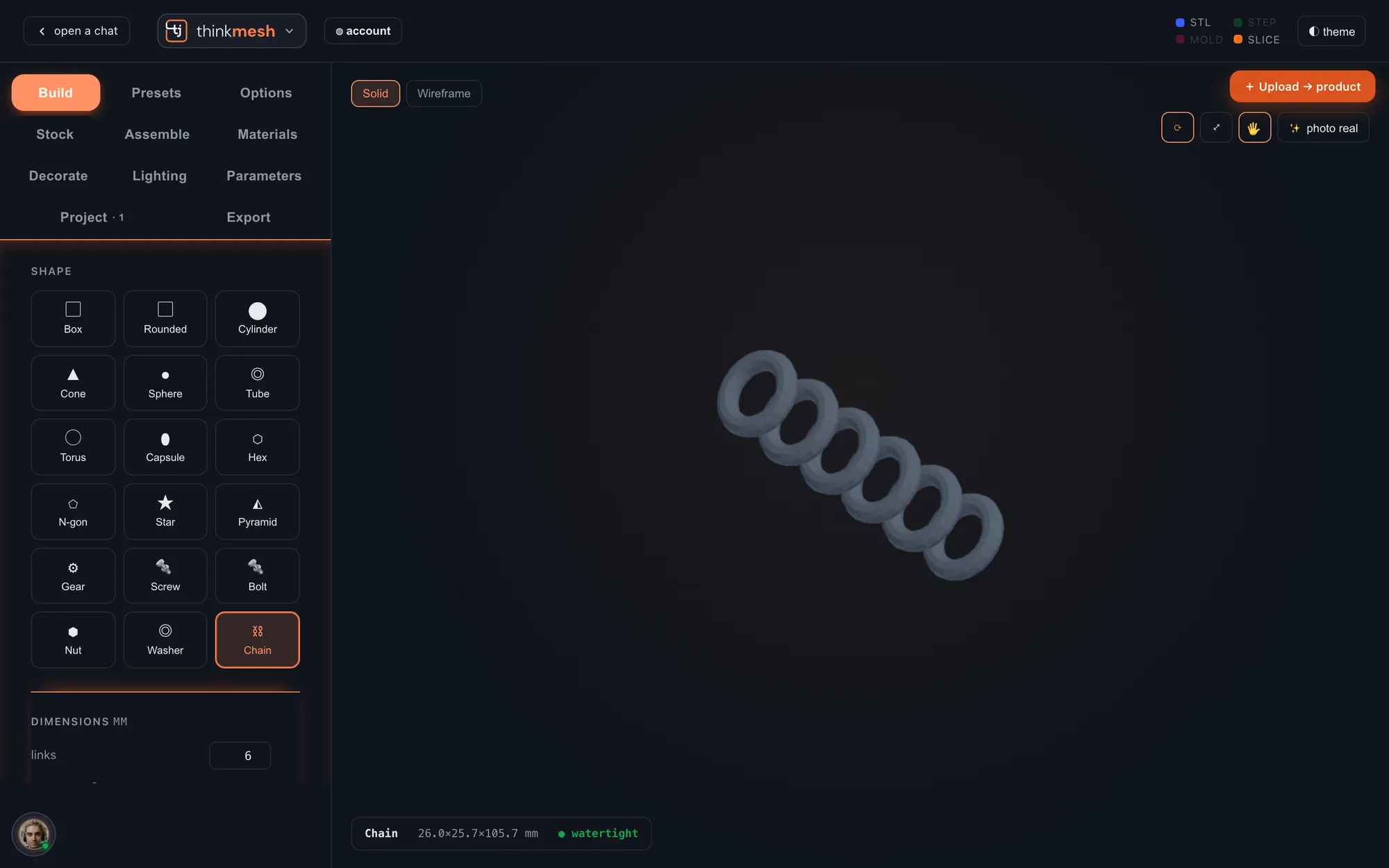
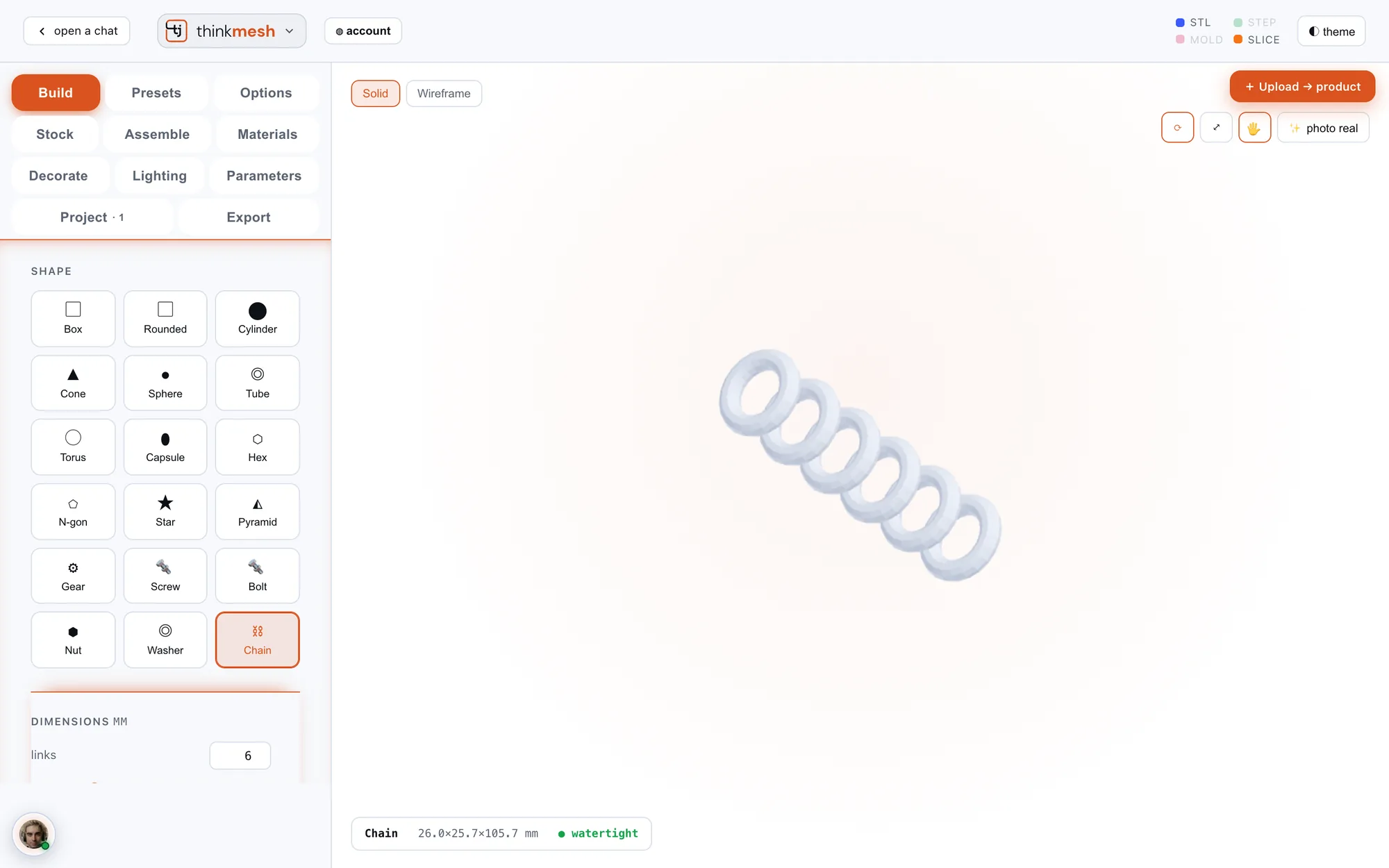
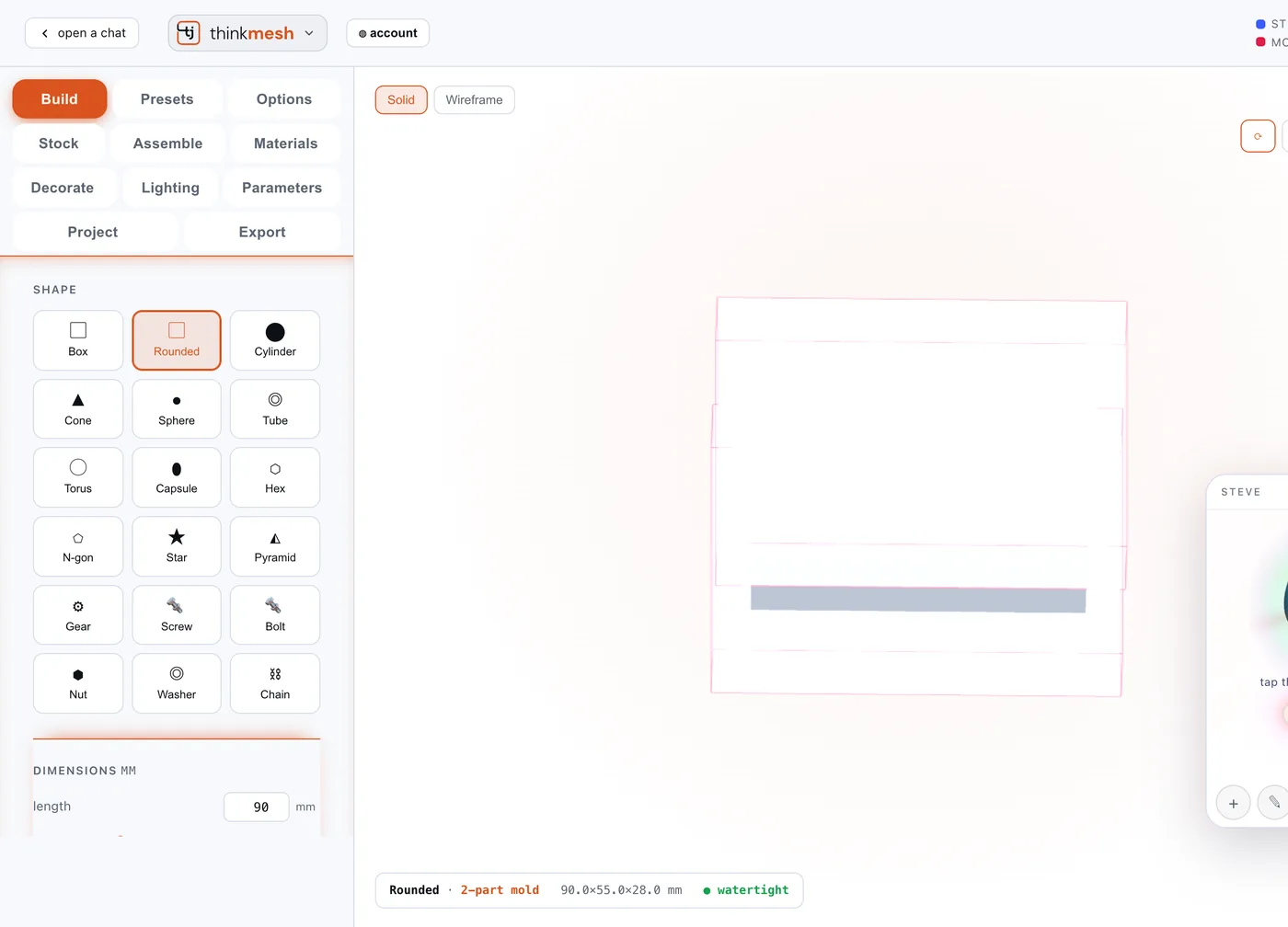
Box to torus, gear, screw, bolt, nut, washer and chain. Every size is a number in millimetres, and the readout tells you when it's watertight.
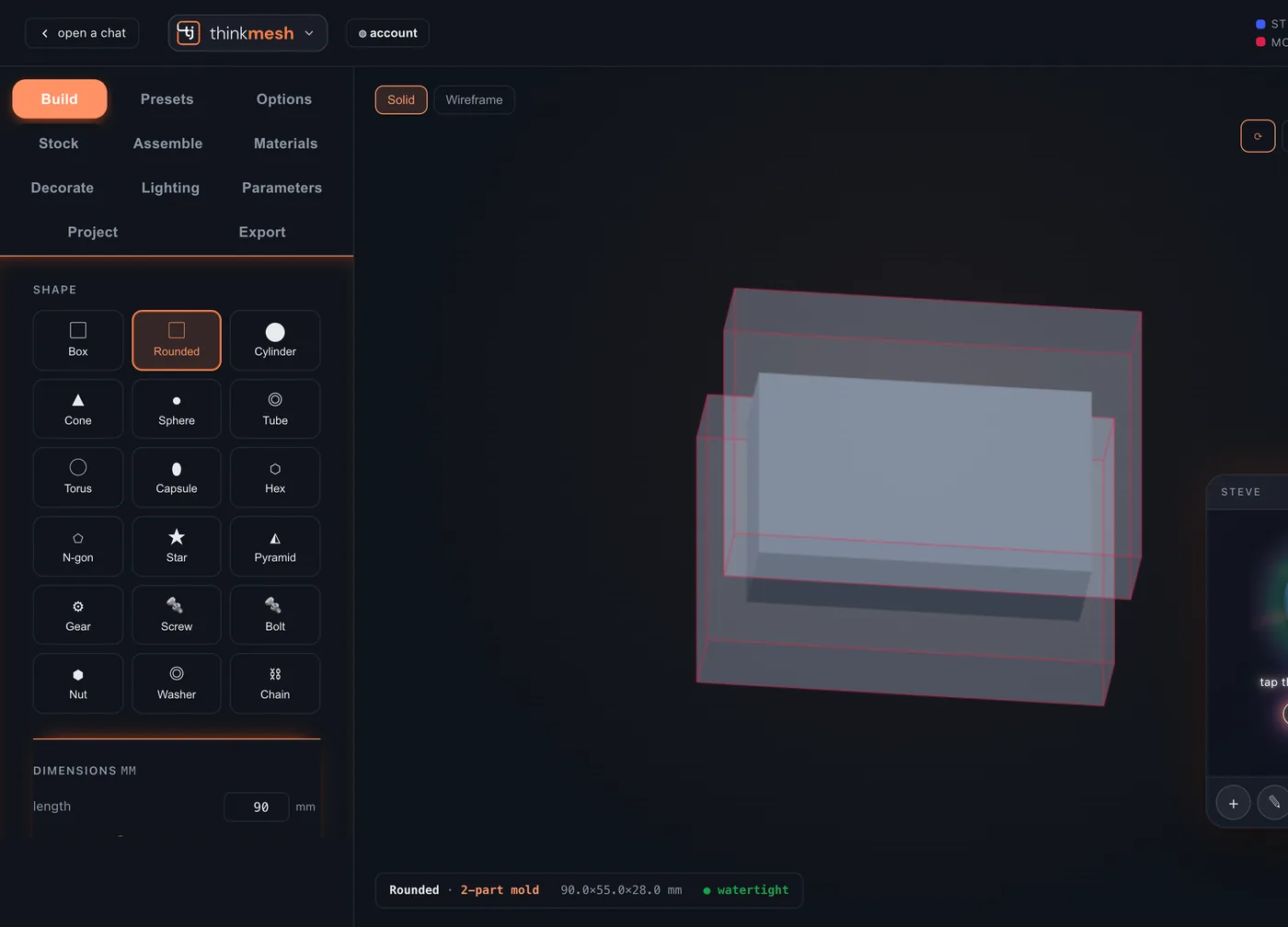
Talk hands-free, type, sketch, or add a picture. Or tap Upload → product, send photos of a real object, and Steve starts building it into a product in your workspace.
Made for making
Real millimetres. Ready to be made.
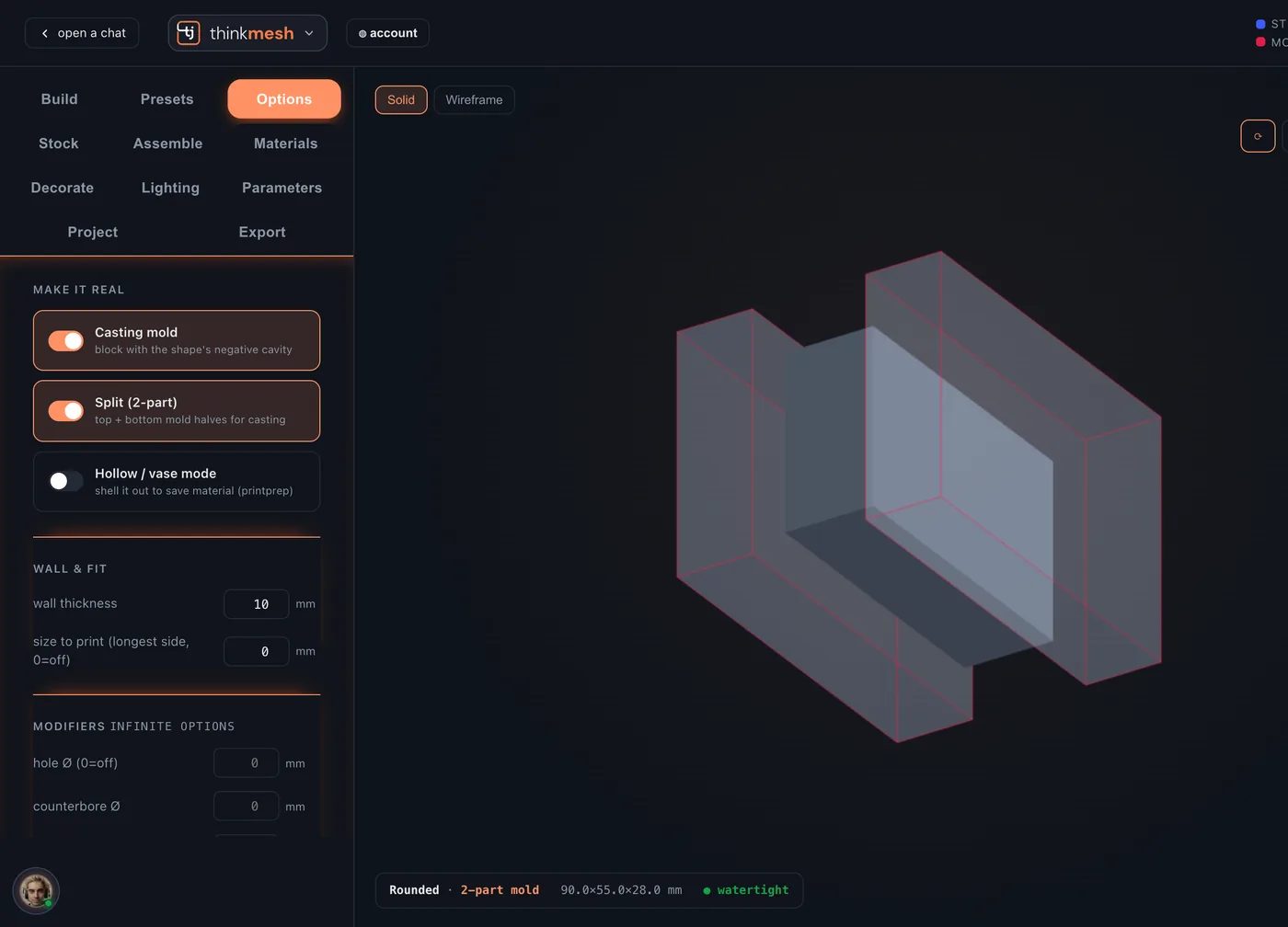
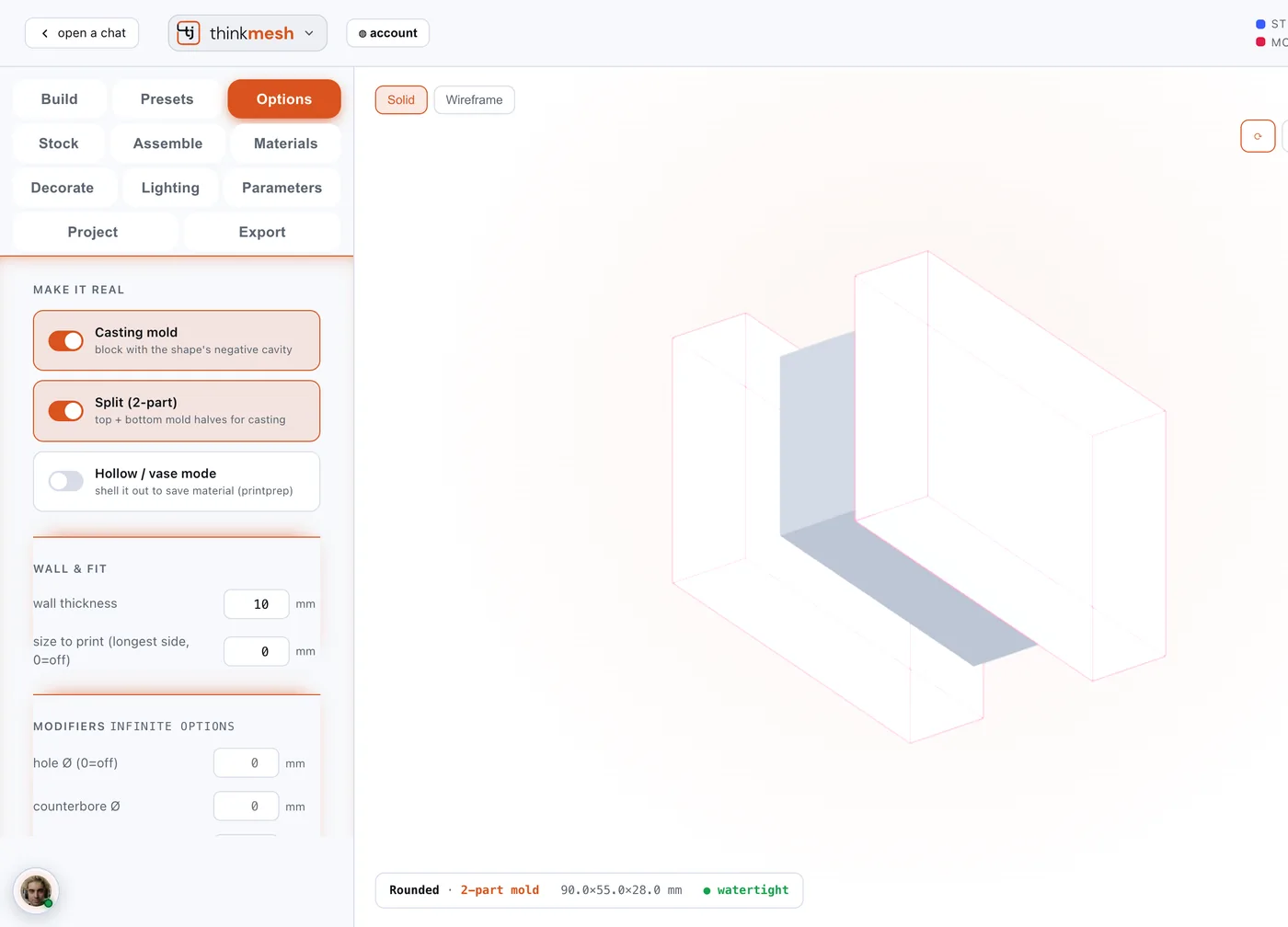
Flip a switch and your shape becomes a casting mould, split in two, with the wall as thick as you say.
- Casting mouldA block with your shape's cavity in it, ready to pour.
- Split in twoTop and bottom halves, each its own file.
- Hollow itVase mode shells it out to save material.
- DetailsHoles, counterbores, arrays, text, fillets, chamfers, knurls and tapers, built into the files.
- FastenersScrews, bolts, nuts and washers in standard metric sizes.
Materials and light
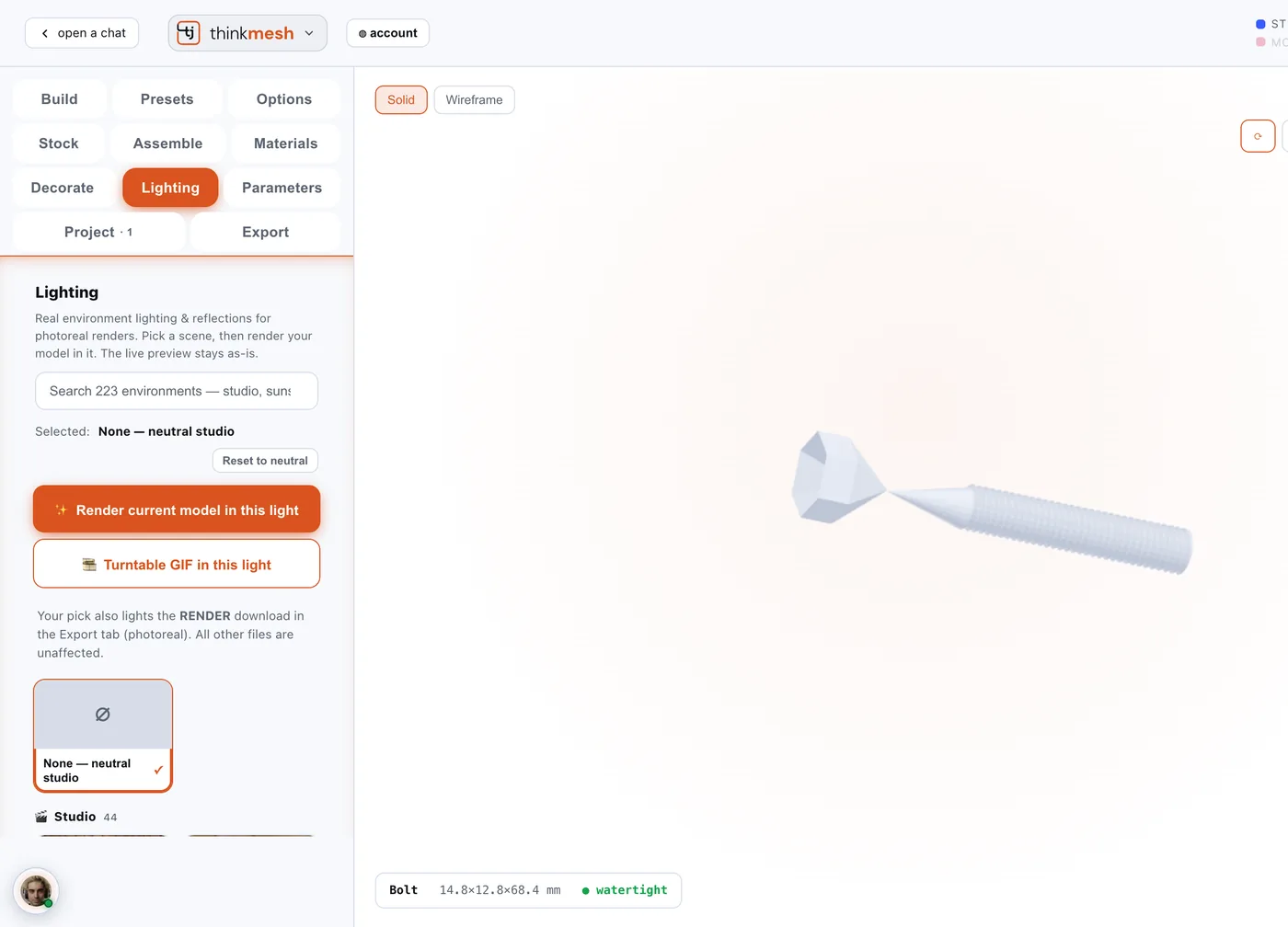
3,778 materials. 223 kinds of light.
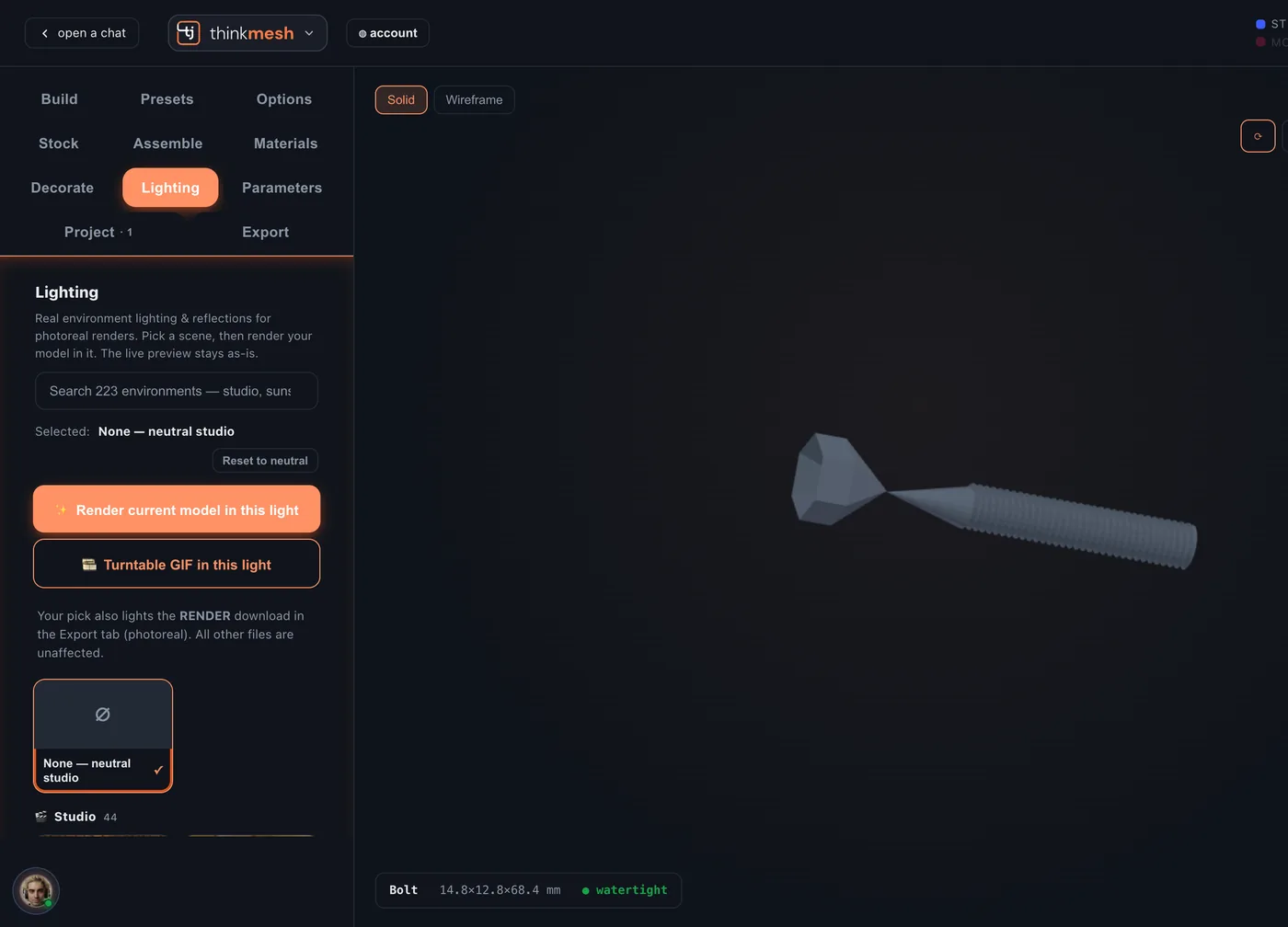
Search real materials, from kraft and walnut to foil-stamp gold and glazed tile, and pick one for each part. Then choose the light for a photoreal render: studio, golden hour, overcast, night, interiors or open sky, as a still or a turntable.


Decorate
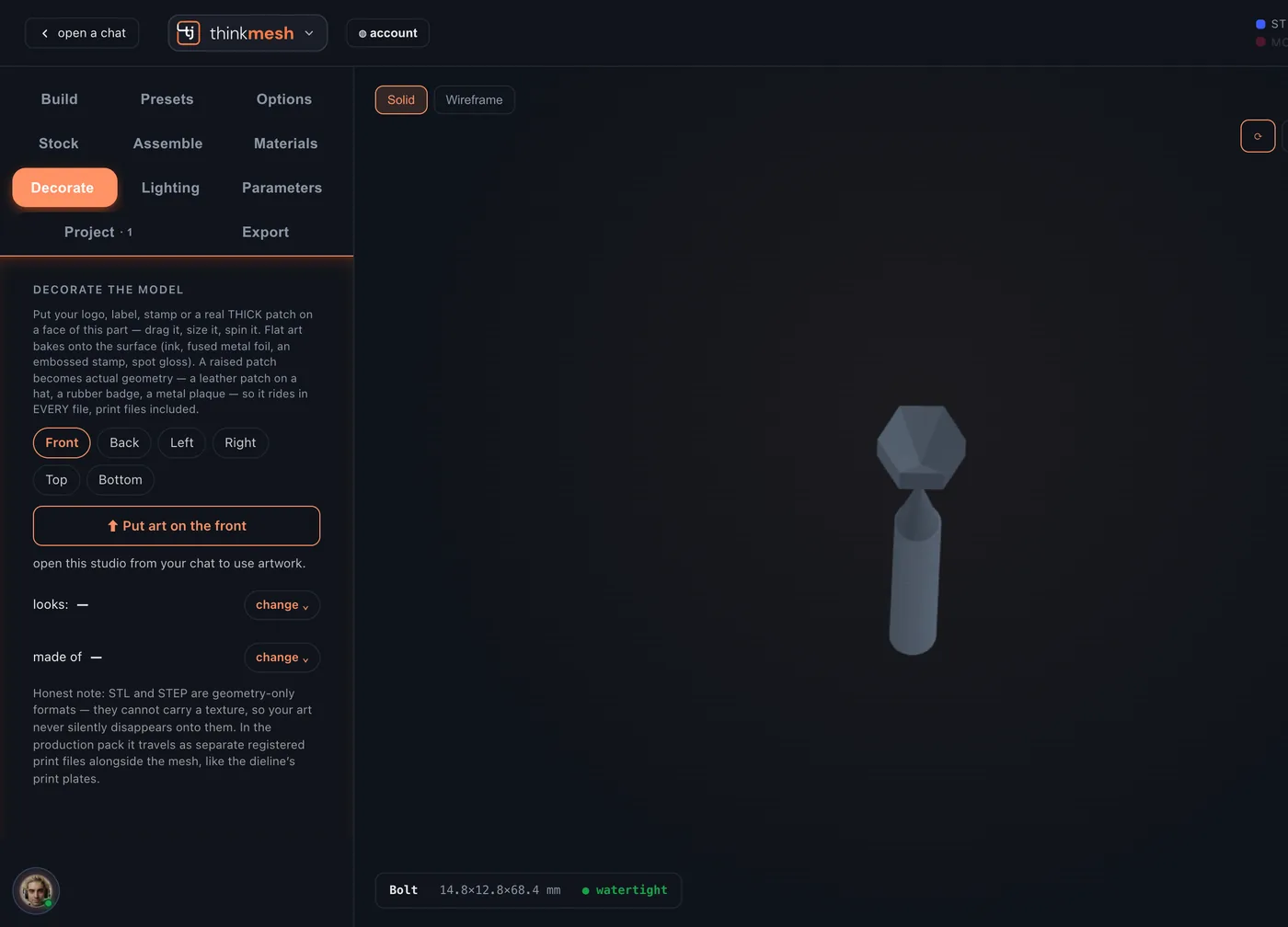
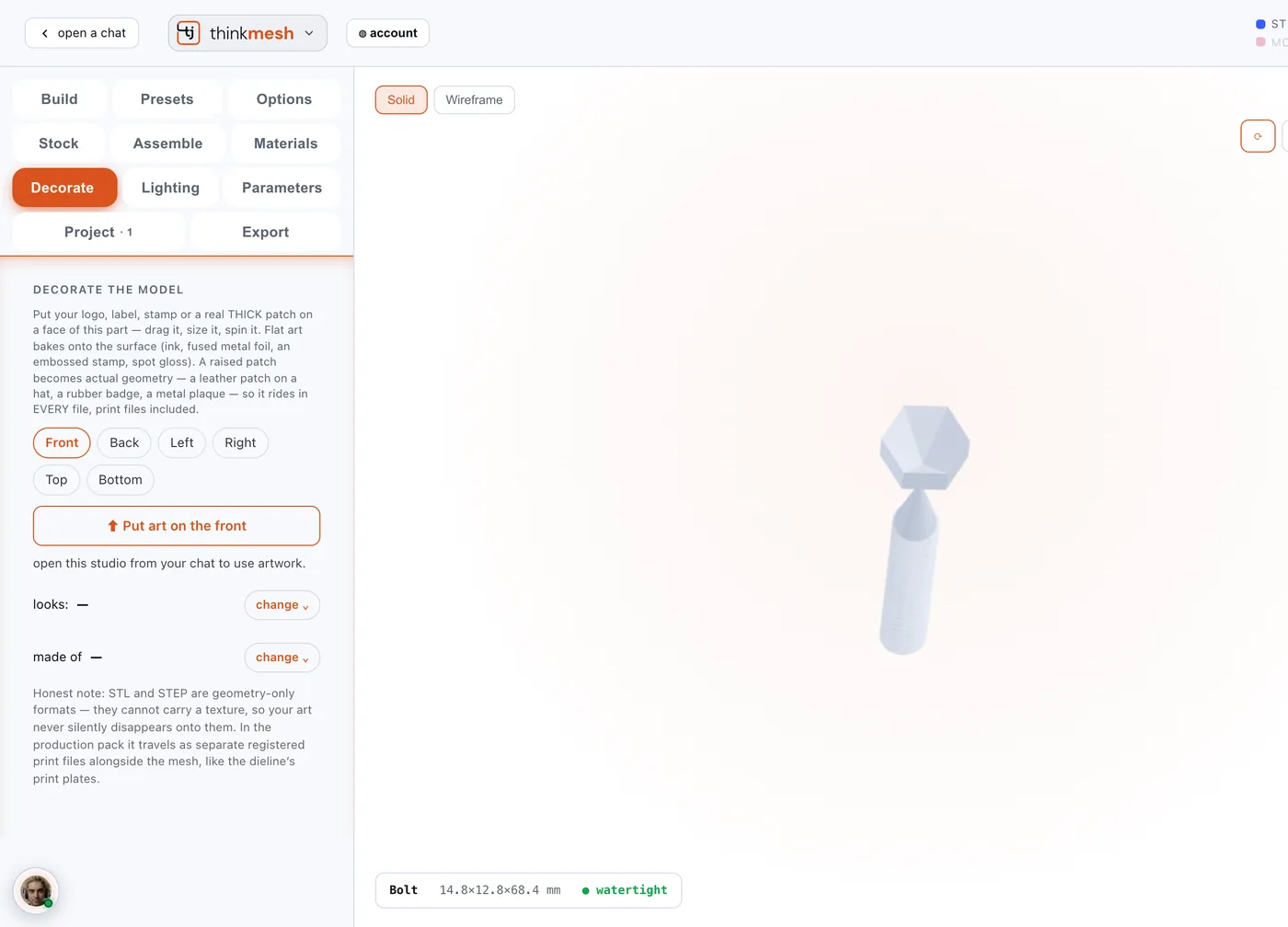
Put your art on it. In foil, if you like.
Upload a logo or artwork, put it on any face, then size it, turn it and choose how it's made.
- Raised patchReal thickness, like a leather patch or a metal plaque, so it's in every file, print files too.
- LooksSave a look, try another, compare two side by side.
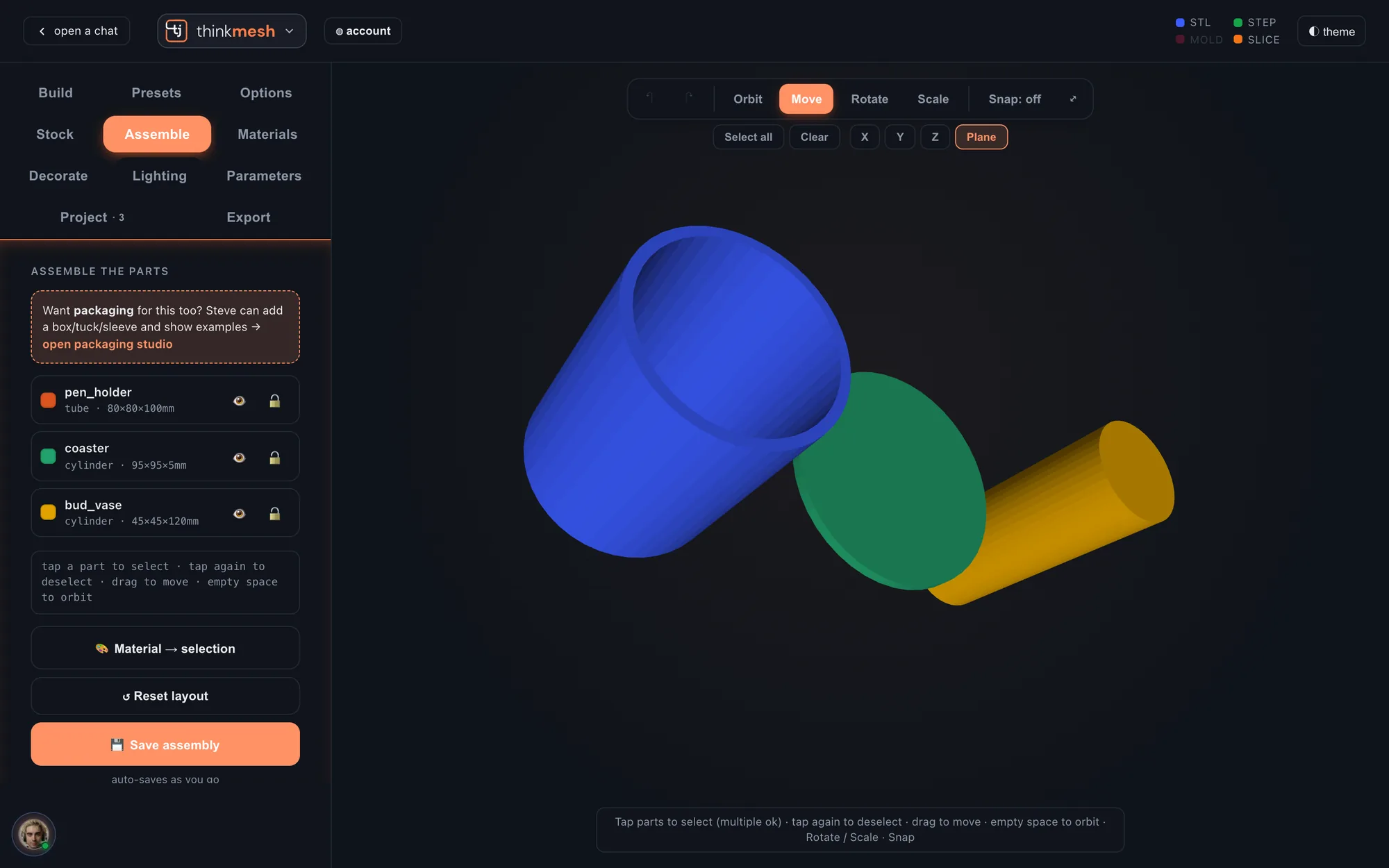
Assemble
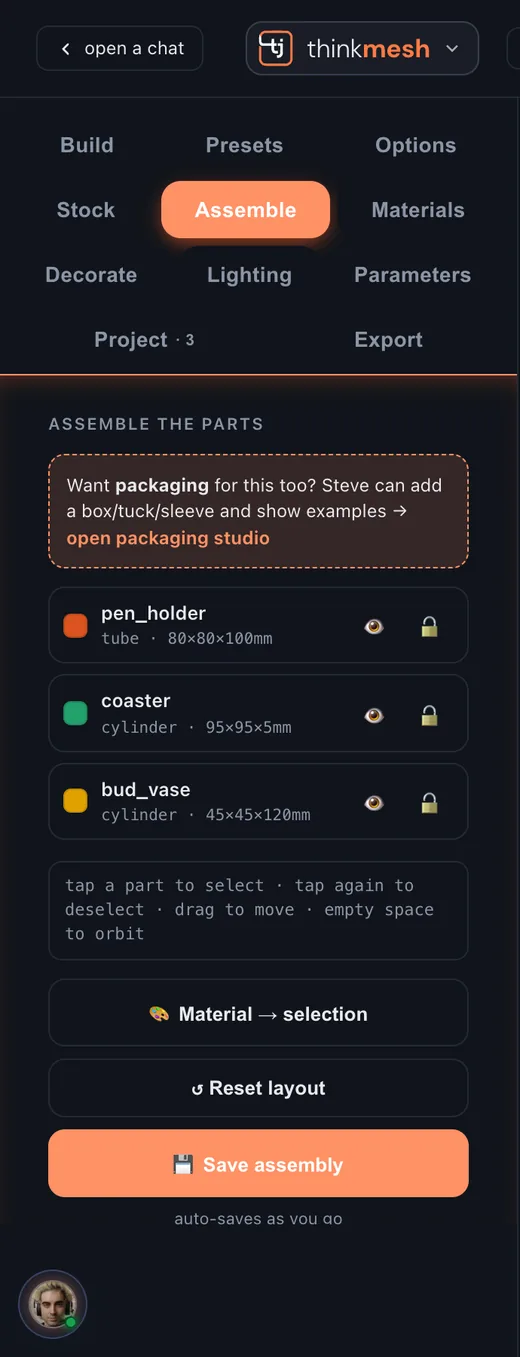
Many parts. One object.
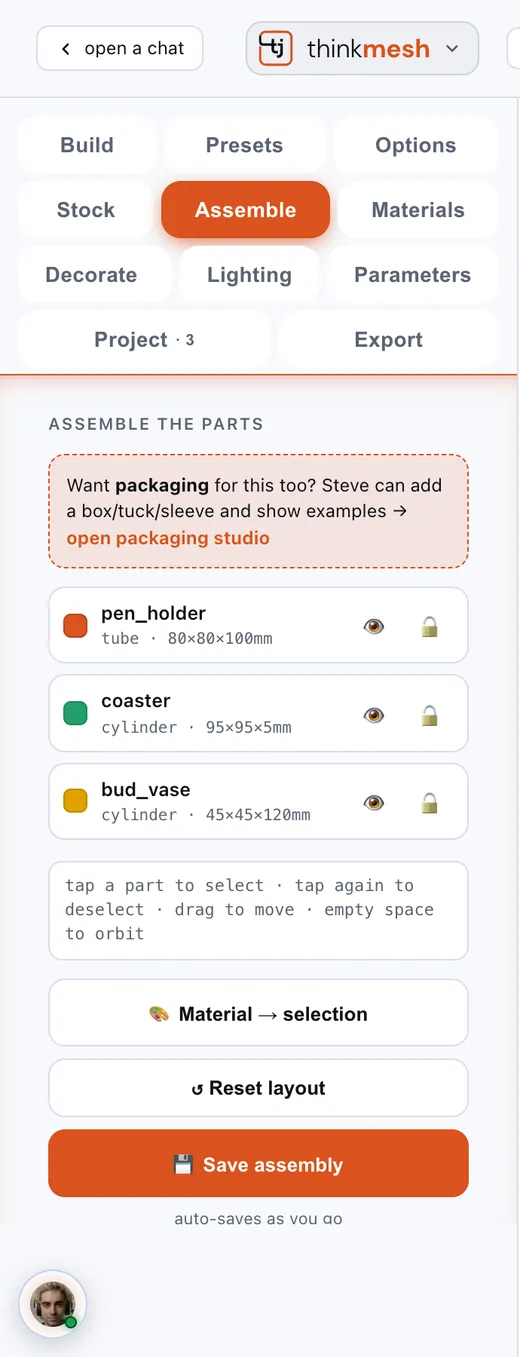
Add shapes as parts and put them together. It saves as you go.
- Move, turn, scaleOn any axis or on the plane, with snapping when you want it.
- Hide and lockAny part, so you can work on the one in front.
- MaterialsGive a selection its own material in one tap.
- CheckA quick look flags parts that overlap, and one tap sends the layout to Steve in your chat.
The files
Take home the real files.
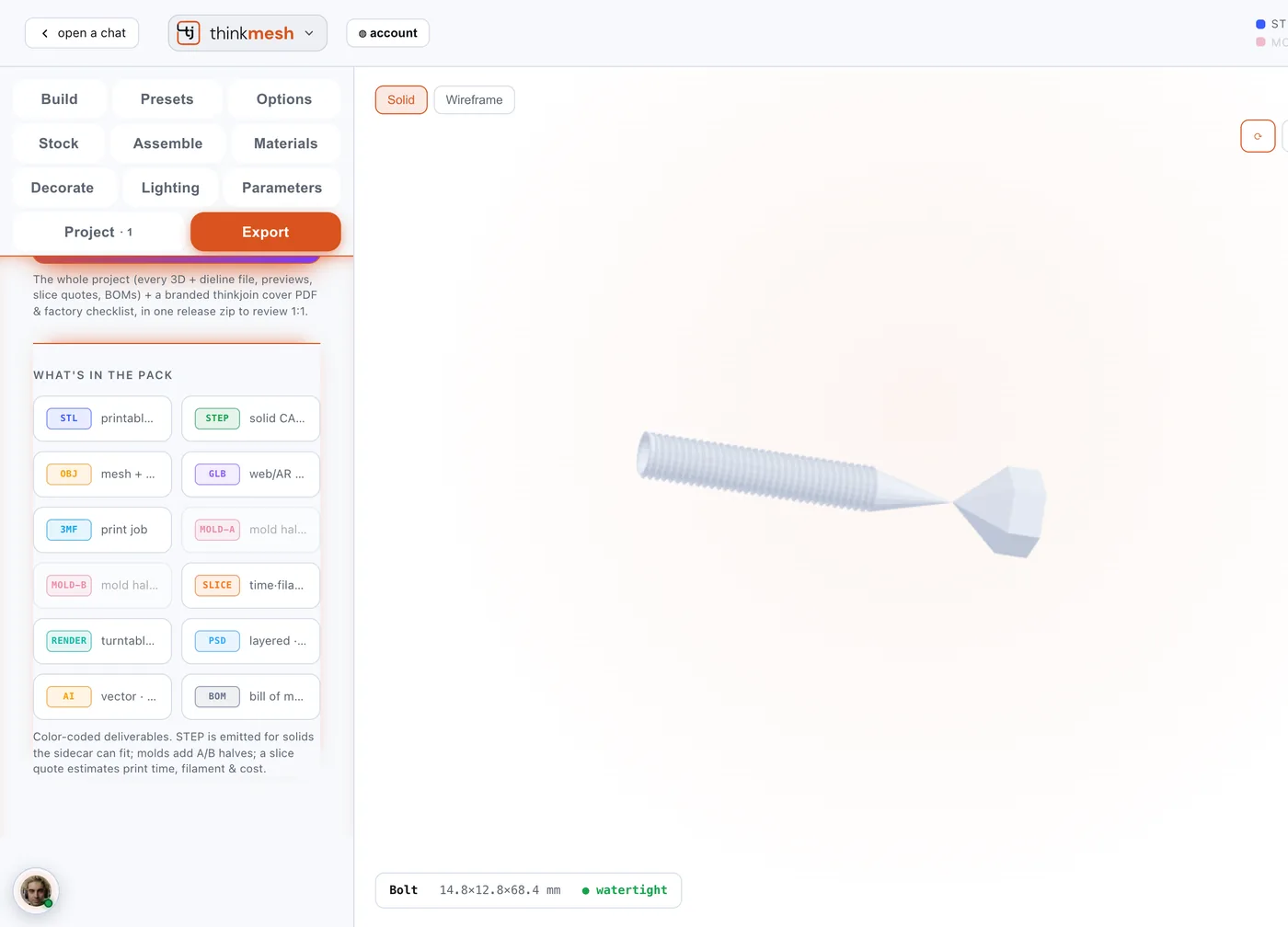
Tap a format and that file is made for the part on screen. Or tap Generate & download the pack, and every part comes home in one zip.
- ASSEMBLY.txt644 B
- manifest.json2.4 KB
- soap_bar_mold/
- model_moldA.stl14 KB
- model_moldB.stl14 KB
- model.step15 KB
- slice_quote.json3h 9m · 61.8 g
- render.png · spec.json · bom.csv
- bud_vase/
- model.stl28 KB
- model.step5.6 KB
- slice_quote.json3h 0m · 59.5 g
- render.png · spec.json · bom.csv
- bolt_m8_hex/
- model.stl1.5 MB
- slice_quote.json18m · 2.6 g
- render.png · spec.json · bom.csv
- toy_gear/ model.stl · slice 31m · render · spec · bom
- star_charm/ model.stl · slice 6m · render · spec · bom
bolt_m8_hex/bom.csvitem,spec,qty,unit
part,bolt_m8_hex,1,ea
shape,bolt,1,
size,15x13x46mm,1,mm
material,PLA / resin (3D print) or cast,1,job
process,3D print / cast,1,
watertight,True,1,
A real pack, made from five presets by the studio's own Generate & download the pack. STEP comes for the solid shapes (the mould and the vase here); gears, bolts and stars come as STL and the other mesh formats.
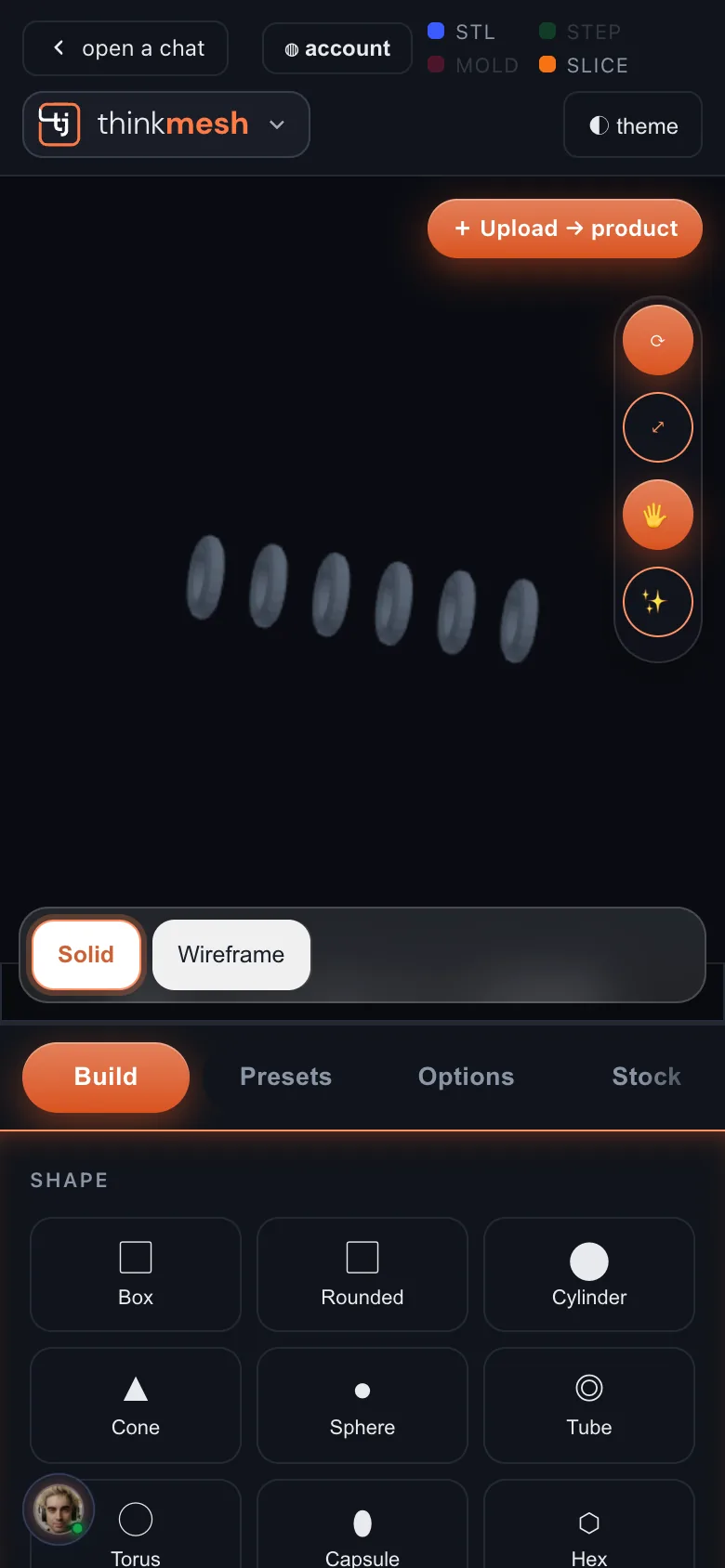
On your phone
The same studio, in your hand.
On a phone the object stays pinned at the top while the tools scroll under it. Turn it with a finger, swipe between tabs.
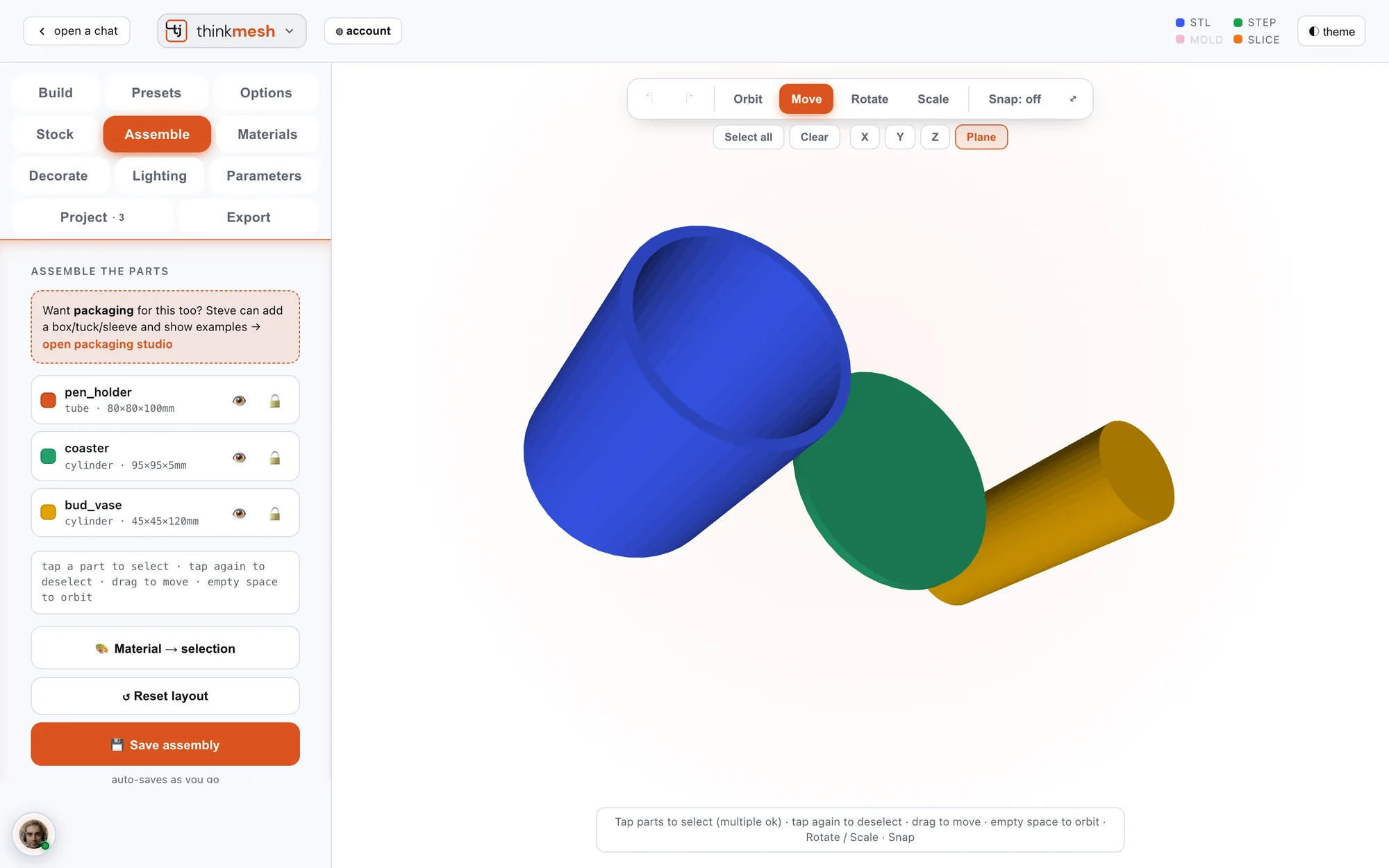
Light and dark
Light or dark. Your call.
The studio follows your device, or flip it with one tap. Drag across to see both.
DarkLight
Part of thinkjoin
One account. Steve in every room.
One sign-in
The same thinkjoin account opens thinkmesh and every other room.
Steve beside you
Type, sketch or talk to him from the studio, or send a photo of a real object to build from.
Saved to your chat
Your object lands in your own workspace and opens again here.
Nothing to install
It runs in the browser, on a desktop or a phone.
 thinkfoot
From an idea to the files that make it.
Open thinkmesh, sign in with Google or your e-mail, and start from any of 231 presets.
One account across thinkjoin. If you already have one, just sign in.